What You Need to Build a Website in South Africa: A Checklist
Web design & development, Digital Lime Green
Everything you need to gather before building a business website in South Africa, from your .co.za domain and hosting to content, images and POPIA-ready legal pages.
Whether you build your own website or hire someone, the same pieces need to come together: a domain, hosting, a platform, content and a few legal basics. Gathering them before you start is the single best way to get your site live on time. Here's the checklist we use with our own clients.
1. A clear goal
Decide what the website is for. Most business websites exist to get enquiries, sell products or take bookings. Your goal decides which pages you need and what goes on the homepage. If you're unsure whether you need a website at all, the short answer is that customers search online before they buy, and a website is the one channel you fully own.
2. A domain name
Your domain is your address online, such as yourbusiness.co.za. For a business serving South African customers, a .co.za domain is the natural choice. You register it through a registrar or your hosting provider and renew it every year.
- Keep it short and easy to spell.
- Register it in your business's name, not your web designer's.
- Consider registering common misspellings or a .com version and pointing them to your main domain.
3. Hosting
Hosting is where your website's files live. Choose a reliable host with servers suited to South African visitors, SSL included and good support. Our guide to website hosting in South Africa explains the options, or see our WordPress hosting.
4. A platform
The platform (or content management system, CMS) is the software you use to run the site:
- WordPress: flexible, widely supported and easy to edit. The most common choice for business websites.
- Shopify: a hosted platform for online stores.
- WooCommerce: an online store built on WordPress.
- Website builders such as Wix: quick to start, but with less control over performance and SEO as you grow.
- Custom builds: for web apps and sites with specific needs.
5. Content
Content is usually what delays websites. Prepare:
- A short description of your business and what makes you different.
- A page for each main service or product, written for your customers.
- Your contact details, address or service area, and trading hours.
- Frequently asked questions.
- Reviews or testimonials, with permission.
6. Images and branding
- Your logo, ideally as a vector file (SVG, AI or EPS).
- Brand colours and fonts.
- Real photos of your team, premises, products and work. Stock photos are fine for backgrounds, but real images build more trust.
7. Legal pages
South African websites that collect personal information, even through a contact form, need to handle it in line with the Protection of Personal Information Act (POPIA). At minimum, publish a privacy policy that explains what you collect and why, and get consent before adding people to a mailing list. Online stores also need clear terms and conditions and returns and delivery policies. Read our overview of POPIA for websites and apps.
8. Search basics
Plan these from the start, so your site can be found:
- A unique title and description for every page.
- A logical page structure with clear headings.
- A sitemap, submitted in Google Search Console.
- A Google Business Profile for your business.
Our guide to SEO for small businesses in South Africa covers the next steps.
9. A budget and a plan for after launch
Budget for the build and for running costs: domain renewal, hosting, maintenance and marketing. See website design costs in South Africa.
Checklist
- Goal and list of pages
- Domain name registered in your business's name
- Hosting account
- Platform chosen
- Text for every page
- Logo, brand colours and photos
- Privacy policy and terms
- Google Search Console and Google Business Profile
- Budget for running costs
If you'd rather hand this over, our website design team can take care of everything on this list, from domain to launch.
How we can help
Related guides
All articles Website design
Landing Page Design: What It Is and When Your Business Needs One
What a landing page is, how it differs from your homepage, when you should use one, and what a landing page needs to turn visitors into leads.
Read the guide Website design
How to Check if a Website Is a Scam in South Africa (WHOIS, SSL and More)
Use WHOIS lookups, SSL checks and a few simple warning signs to tell whether a website is legitimate, and learn how to protect your own business website.
Read the guide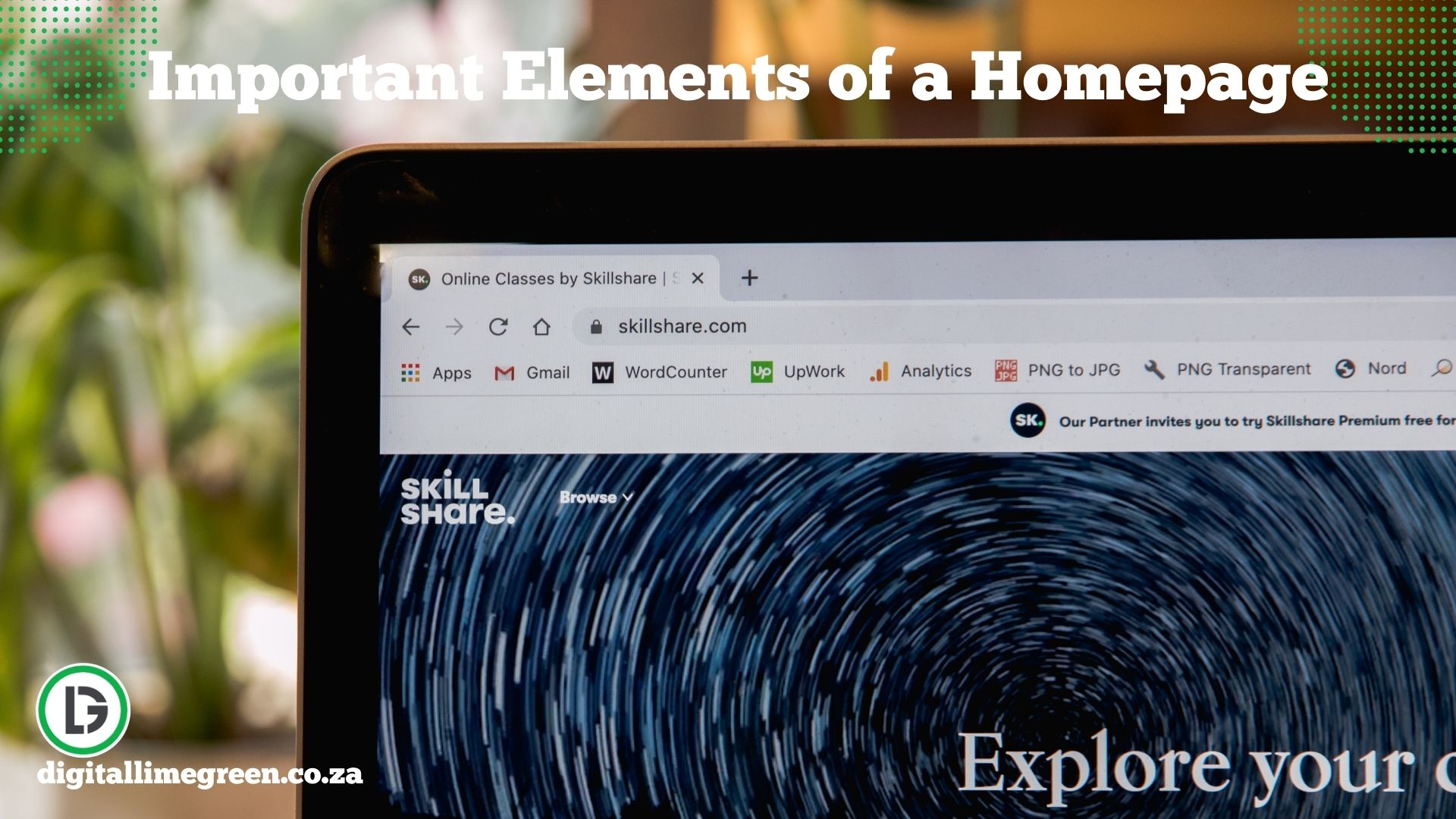 Website design
Homepage Elements That Work: Navigation, Content and Footer
The elements every business homepage needs, how to structure navigation and footers, and the design principles that turn visitors into enquiries.
Read the guide