The Beginner WordPress Website Checklist in South Africa
James Edward Anthony
Content Writer
If you are making your first-ever website on WordPress in South Africa, make sure you get this beginner checklist right. WordPress in Brief WordPress is a completely free and open-source content management platform. It is a popular content management system popular for its simplicity and flexibility. In fact, there are more than 265,000 WordPress websites functional [...]
If you are making your first-ever website on WordPress in South Africa, make sure you get this beginner checklist right. Final Words
WordPress in Brief
WordPress is a completely free and open-source content management platform. It is a popular content management system popular for its simplicity and flexibility. In fact, there are more than 265,000 WordPress websites functional in South Africa alone.A CMS (content management system) requires a set of skills such as web designing and development to pour personality and identity into your website. However, WordPress is very beginner-friendly as well. If you are making your first-ever website, WordPress has many beginner-friendly tools to help you build one. And the good side? You do not necessarily require any technical background to make one.So, let's see what the checklist a beginner WordPress website builder should follow in South Africa.
The Beginner WordPress Website Checklist in South Africa
Purchasing a domain
And we are starting off with an optional, yet the most important checklist item. If you are just making your first-ever website for 'fun and experimentation', you basically do not need a domain. You can still publish that WordPress website with the 'yourwebsite.wordpress.com' domain. That is the default free domain WordPress provides.On the other hand, if you are a serious business making a website, this is an important checklist for you. There are many affordable options available in South Africa, such as Xneelo , Afrihost , and Cybersmart .Related: Website Hosting in South Africa
Selecting a Layout and Theme
As a beginner making a free website on WordPress, your selection of themes will be relatively limited. However, there will be still plenty of options to choose from. The basic layout includes header, footer, and body content. How you would want to arrange them is up to you. However, for inspiration, you can also choose a WordPress template to work on. The templates will have in-built themes as well.
Writing Content
Next, you would want to fill your website spaces with content. The content is why a visitor would want to stay on your website. In South Africa, small businesses can get creative to attract the potential target audience to their website. Make sure the content is sophistically placed and that you follow the 'white space' rule. Vennage has a great article about white spaces .If you are interested in some advanced workarounds with white spaces, here's a neat article by NameHero.
Optimising Content
When we talk about content optimisation, we are really talking about Search Engine Optimisation . Search Engine Optimisation allows your website to be discoverable on Google and other search engines.The simple gist behind SEO is that you choose certain keywords or keyphrases, and build your content around that. Of course, there's more to that. But if you have no experience with SEO at all, you can take the help of WordPress plugins such as Yoast SEO to improve your SEO score.
Plugins!
WordPress plugins will make your life easy, trust us. Optimise your website with a set of useful WordPress plugins such as XML Sitemaps, Yoast SEO, and Akismet Spam Protection. The main role of these plugins is to assist you in maintaining your website, improving functionality and optimisation, and securing the website.For more information, we do have a detailed article on WordPress plugins here.One important thing. You should not overdo or overload your website with plugins. Always make sure to use what you exactly need, remove unnecessary plugins, and keep your website clear of outdated plugins. This way, your website stays optimised and secured.
Final Words
These are the five most important items for a WordPress website checklist in South Africa. Follow this checklist and watch your (free) website grow to a certain extent. Of course, websites with free domains naturally tend to do poorly on search engine results and you would need advanced assistance to fully kick-start your website.If you are looking for a website designer in South Africa, Digital Lime Green is here for you. We provide cost-effective website solutions to small and medium enterprises in South Africa. Contact us for more information.
More articles
View all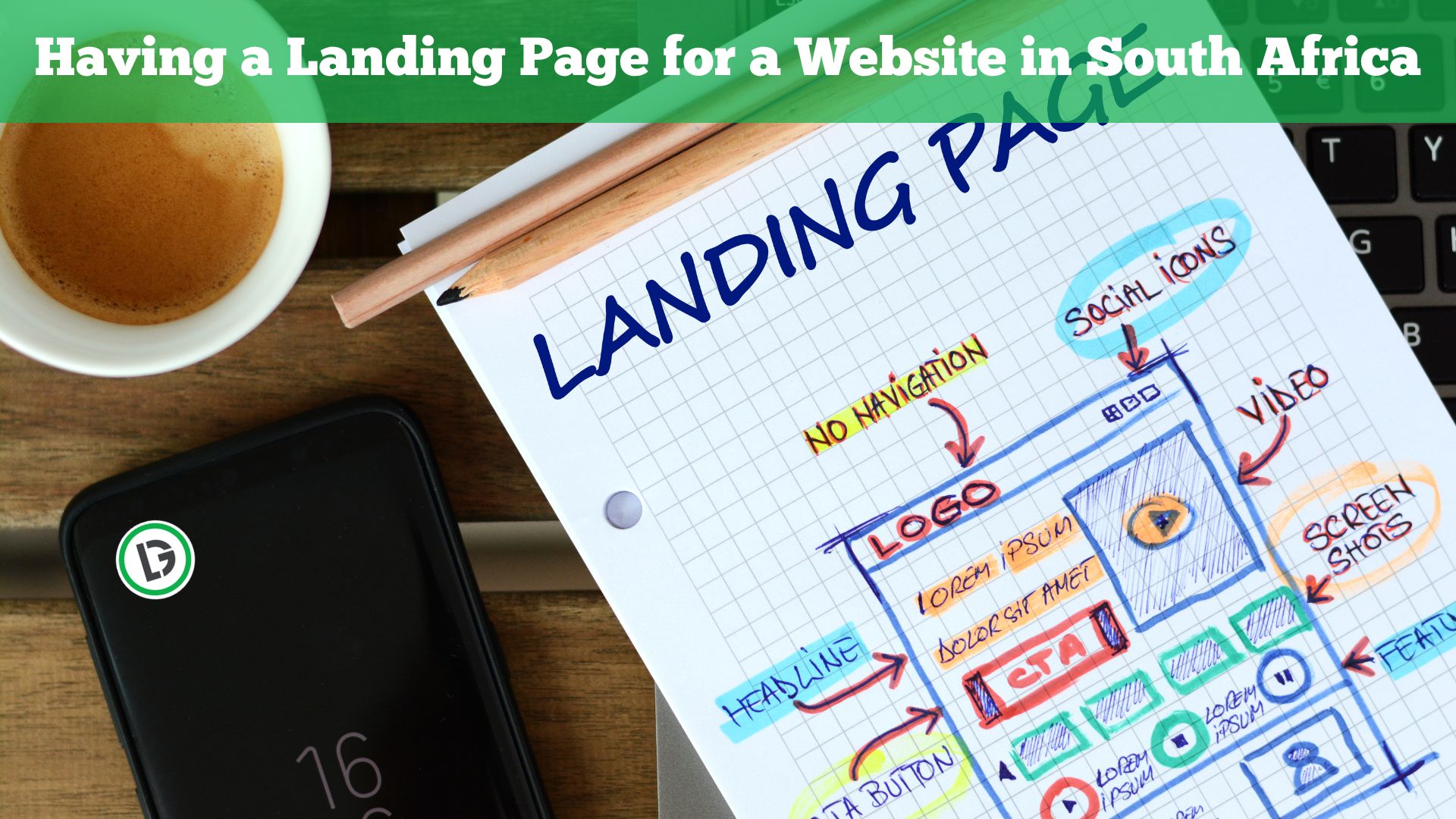 Design & Dev
Having a Landing Page for a Website in South Africa
Whenever a user clicks on a hyperlink through a search engine result's page, they often visit a landing page. A landing page is a webpage where the user 'lands' on your website after clicking on a link. What's so important about having these landing pages for your website in South Africa? Let's find out in [...]
Read more Design & Dev
Five Simple Web Development Projects for Beginners in 2023
Are you interested in formatting and coding a website, but never got a chance to do so? You do not have any coding background, yet you wish to create websites for fun and learning. Then this article is for you. In this article, we will explore five simple web development projects for beginners in South [...]
Read more Design & Dev
Building a Website in South Africa? Here are the Assets you Need.
In South Africa, it is crucial for your small business to have a website. With many free and paid website builder options to choose from, you need little to no coding knowledge to bring your dream website to life (Source: Forbes). However, there are certain things to be mindful of, that generally no one would [...]
Read more