Installing Google Chrome OS in VMWare
James Edward Anthony
Content Writer
Want to learn how to install and test Google Chrome OS on your Windows Operating System? We will guide you to install Chrome OS on a virtual machine using VMWare.
Installing Google Chrome OS in VMWare
In this article, we will demonstrate how you can install and test Google Chrome OS on your Windows Operating System. This Linux-based operating system is designed by Google and derived from the free software called Chromium OS. Digital Lime Green will guide you step-by-step on how you can install Chrome OS on your system using VMWare.
Procedure on installing Google Chrome OS in VMware
To begin, you need a Google Chrome OS image.After downloading Google Chrome OS, you should start creating a virtual machine in VMware Workstation or VMWare Player 3. Here, we will use the workstation version.On the next screen that opens choose the recommended option.In the next window choose “I Will Install the operating system later”. Because we already have the disc with the operating system installed.After indicating that the operating system that is going to install Linux on the type and distribution Ubuntu (the most similar to Google Chrome).Then we give the name that we want for our VM and choose the location where we want to save the files for that VM. In our case, we decided to call it “Google Chrome OS”.On the next screen, you have to choose the disk capacity. You can leave the 8 GB pre-defined since there will most certainly need. And click on the Next Button:Then click on Finish to complete creating the virtual machine. If you wish you can customize the hardware you want, including the RAM that comes by default to 512 MB.After the virtual machine is created, Go to their Settings and click on add new hardware (the disk that you downloaded from torrents)We select the type of disk as the Add Hardware.Choose the Add an existing virtual disk and click Next to display the disk of choice.In the next screen, you have to choose the VMDK file you downloaded from torrents and it contains the image of Google Chrome.Then it remains to erase the disk created when creating a virtual machine.We currently have a Virtual Machine in VMWare with Google Chrome. Now we only need to start the virtual machine and try the new operating system from Google.To log in you can enter your Google Account or create a new account using the following link.Note: The network connection of the virtual machine can not be in NAT. You must be in bridged mode but will not get the VM login in Google Chrome. Chrome OS (CloudReady) OVA fileVMware Workstation 14.1.1 or above Use VM ware on any Windows computer. The HP Elitebook or HP Zbook are two great computers to use with windows and run WM Ware. If you are not sure which computer to purchase you can look at this article on hp elitebook vs zbook.
More articles
View all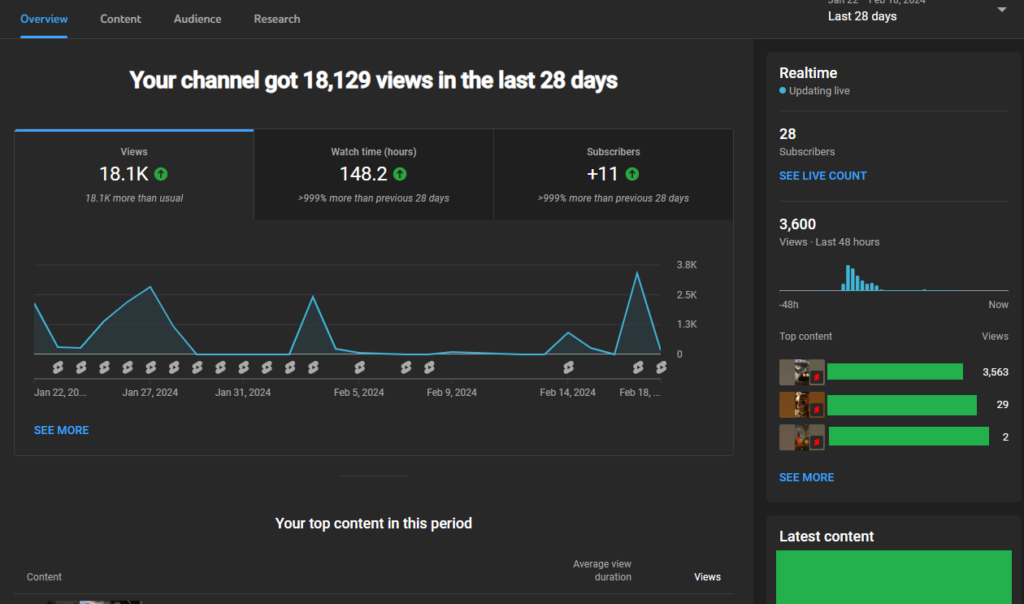 How-to
YouTube Studio Analytics | See Your Videos Perform in Cape Town!
Previously, we talked about YouTube Studio's Dashboard, which is an overview of your channel's performance. Now, let's talk about the Analytics tab in the YouTube studio. Understanding YouTube Studio performance analytics can help you grow your channel in the right direction in Cape Town. In this article, we will see the different statistics YouTube Studio [...]
Read more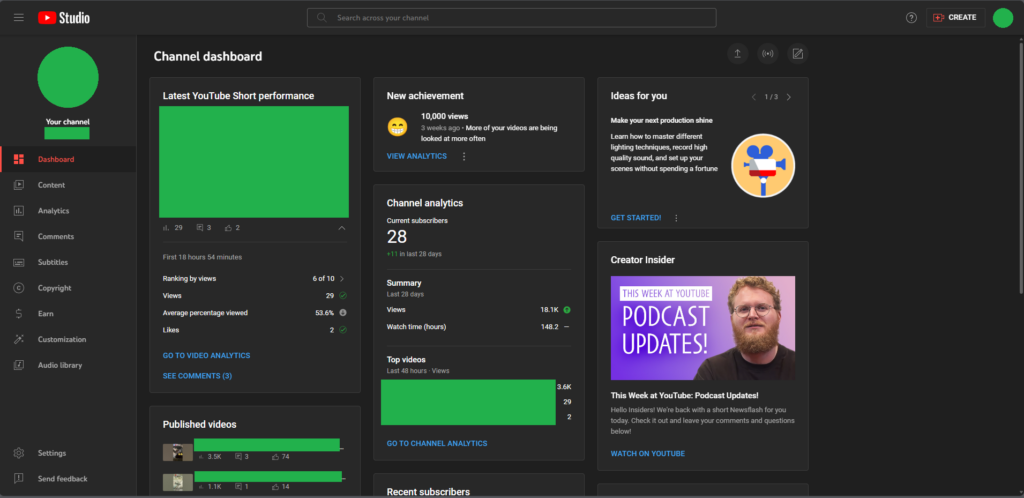 How-to
Let’s Understand the YouTube Studio Dashboard! | Cape Town
YouTube Studio is a great way to keep tabs on your videos. Whether it is about gathering analytical data or managing your content, YouTube Studio provides an effective solution by delivering detailed insights into your videos. As YouTube is getting popular in 2024, many South African youth consider trying their hand at YouTube. In this [...]
Read more How-to
Effective SEO Methods for Small Businesses in South Africa
Local businesses have been booming post-pandemic, thanks to the digital realisation. Having a website has become crucial ever since. However, having a website for your business does not mean it will attract business right off the bat. You have to get the SEO (Search Engine Optimisation) right to maximise your website's efficiency. In this article, [...]
Read more